Alloy 0
Crew 0/0
Status Booting
Selection
None
Commands
Build
Queue
Research
Status
Mini Map
Quick Ping
Scoreboard
Comms
Voice: muted.
Abilities
Tutorial
System Booting
0%
Victory
The enemy has been defeated.
Game Paused
Settings
Audio manager & music library
Audio Manager
5%
60%
90%
Visual Effects
100%
40%
LLM (OpenAI)
Pricing (per 1M tokens): Input $0.05, Cached $0.005, Output $0.40.
Connectivity (STUN/TURN)
Used for voice comms and P2P multiplayer. Leave blank for public STUN. Add TURN for strict NATs.
Music Playback
Now playing: None
Help
How to play, tech tree, controls, and settings.
Getting Started
  • Build a Shipyard, Mining Platform, and Research Lab early.
  • Mining Platforms spawn a miner and auto-harvest nearby resources.
  • Asteroids deplete; gas giants require Advanced Mining and are infinite.
  • Queue builds from a station and cancel from the Build panel queue.
  • Select a station and right click to set its rally point.
Camera & Selection
  • Left click selects; drag a box to multi-select.
  • Ctrl+click adds or removes units from selection.
  • Double click selects all units of the same type on screen.
  • Right mouse drag rotates; mouse wheel zooms.
  • Edge scroll or WASD/arrow keys pan the camera.
  • Minimap: left click to pan, right click to move selected units.
Orders & Formations
  • Right click terrain to move; right click enemies to attack.
  • Right click shipyard to repair; right click other structures to guard.
  • Hold Alt while right clicking to force actions (hazards or friendlies).
  • Formations: Spread, Line, Wedge (press F to cycle).
Hotkeys & Pings
  • Ctrl+1..9 assigns control groups; 1..9 recalls (double tap recenters).
  • H hold, X stand down, G aggressive, V defensive, R auto-retreat.
  • Tab toggles the scoreboard.
  • Alt+0..4 selects quick ping presets.
Combat & Abilities
  • Units auto-attack within range unless stood down.
  • Shields regenerate after damage; hull repairs require a shipyard or builder.
  • Abilities include Cloak, Sensor Sweep, Tachyon Ping, Boarding Party, Overload Pulse.
Technology Tree
  • Sensor Grid -> Recon and Sensor Sweep.
  • Cloaking Field (Sensor Grid) -> Cloak ability.
  • Advanced Hulls (Sensor Grid) -> Brawler + Boarding Party.
  • Torpedo Systems (Sensor Grid) -> Torpedo Turret.
  • Long Range Targeting (Sensor Grid) -> Long Range Cruiser.
  • Advanced Mining (Sensor Grid) -> Gas Giant harvesting.
  • Advanced Research (Sensor Grid) -> Science Station, Advanced Research Station, Tachyon Ping.
  • Advanced Shipbuilding (Advanced Hulls + Long Range Targeting) -> Advanced Shipyard, Flagship.
  • Quantum Torpedoes (Torpedo Systems + Advanced Shipbuilding) -> Quantum Torpedo Turret.
  • Starbase Command (Advanced Research) -> Starbase.
  • Flagship Program (Quantum Torpedoes + Starbase Command) -> Uber Shipyard, Uber-class.
Settings Reference
  • Audio manager: music, SFX, and dialogue volume sliders.
  • Music library: enable tracks, shuffle/order, save playlists.
  • Visual effects toggles: bloom, vignette, SSAO, chromatic, grain, sharpen, color grading.
  • Brightness and bloom strength sliders for tuning lighting and glow.
  • LLM settings: API key, model (default GPT-5 nano), chat/gameplay toggles, usage costs.
Multiplayer & Comms
  • Allied fog of war is shared; explored areas remain on the minimap.
  • Comms panel: text chat, quick pings, voice radio (Allies/All), mute toggle.
  • Lobby supports AI allies/enemies, team selection, and spawn assignment.
Environment & Hazards
  • Ion nebula disables shields; radiation nebula damages hull over time.
  • Hazards are colored clouds on the map and minimap.
  • Hold Alt and right click to force a path through hazards.
Leaderboard
Top commanders across all matches.
Loading...
Commander Profile
Rating, stats, and match history.
Account
Checking sign-in status...
Loading...
Match History
Admin Console
Server configuration and SSL certificates.
Checking permissions...
Server Dashboard
SSL Certificates
Loading...
Server Logs
Loading...
Command Access
Sign in or create an account to continue.
Checking sign-in status...
Space Armada RTS
Command a fleet in co-op or solo skirmishes.
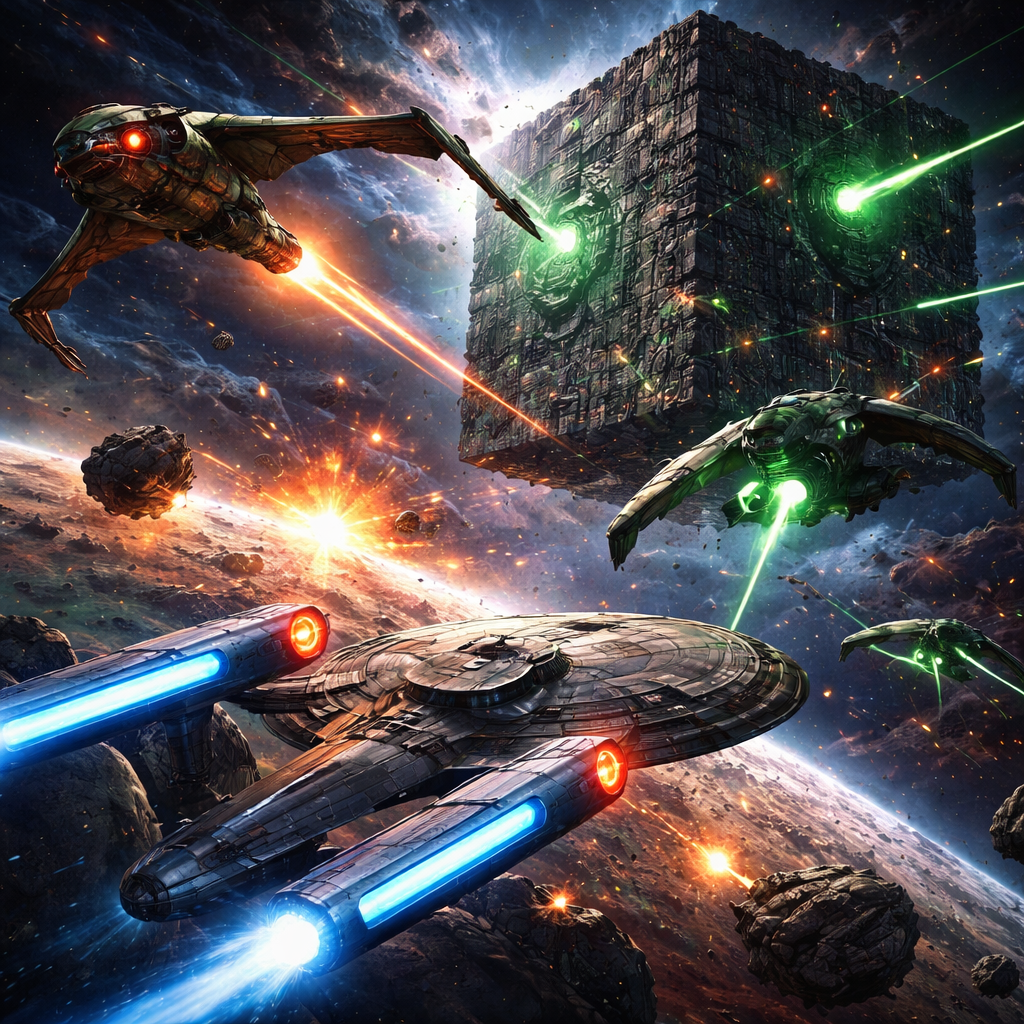
Space Armada RTS preview
Tutorial
Learn the basics and complete faction training.
Choose Faction
Tutorial Progress
Single Player
Skirmish against AI.
Commander
AI Lobby
Multiplayer
Host or join an 8-player lobby.
Host Lobby
Join Lobby
Open Lobbies
Lobby
Room Code: ----
Match Settings
Teams & Factions
Lobby Chat
Voice: muted.